Select to look up
Select an English word or phrase to see system translation and dictionary results. Use automatic selection or a custom shortcut.
 TriCosmos
 Selvoca Public beta
SELVOCA · MACOS
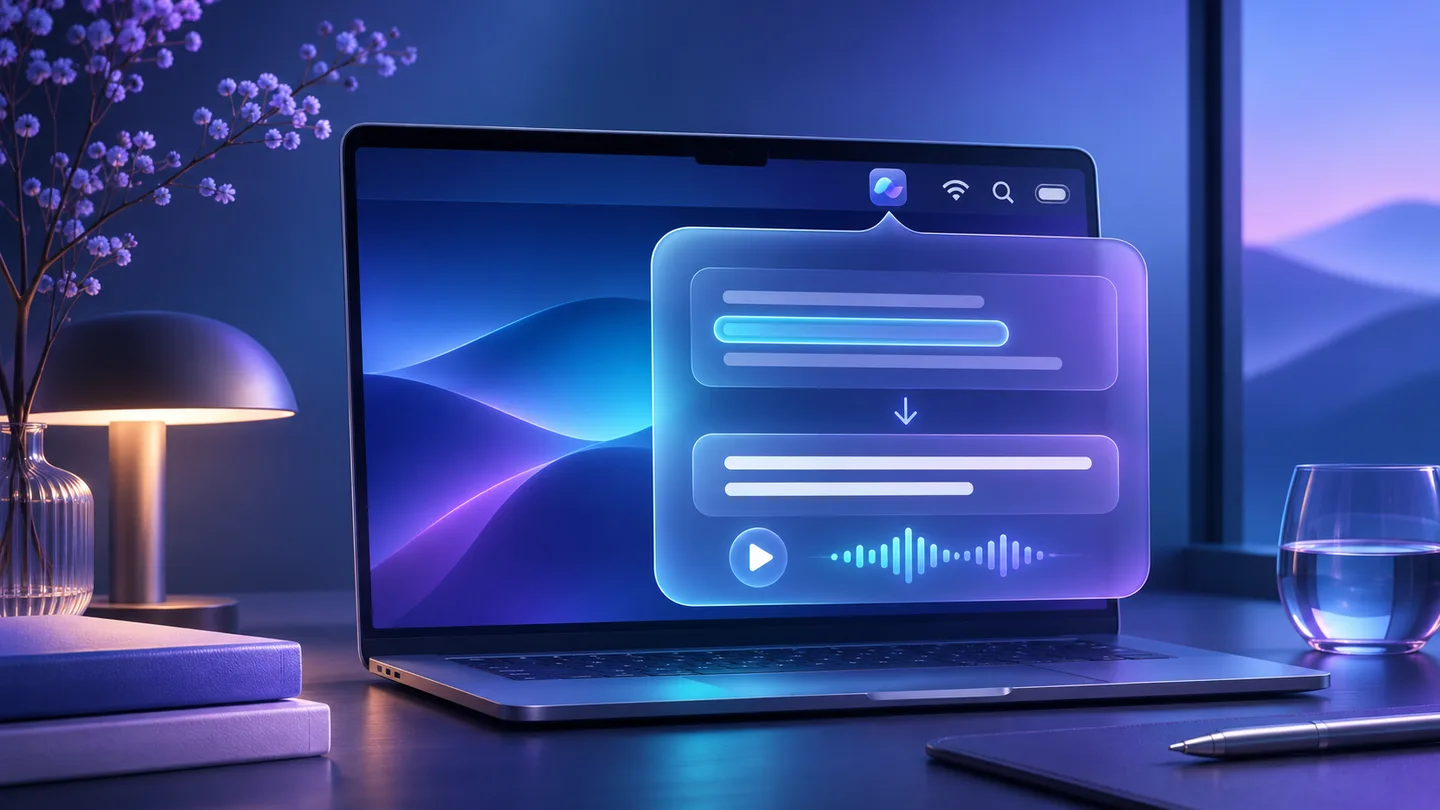
Make translation and speech part of reading, writing and development. Selvoca stays quietly in your menu bar, ready when you need it.
Download macOS betaSigned with Developer ID and notarized by Apple. Tested on Apple Silicon with macOS 27; macOS 26 and Intel hardware still need hands-on testing.
THE LITTLE DETAILS
Select an English word or phrase to see system translation and dictionary results. Use automatic selection or a custom shortcut.
Listen with a system voice. Press ⌃⌥S or click the menu bar icon to stop immediately.
Change the interface language and exclude languages you do not want translated automatically.
GET STARTED
Automatic selection is off by default and can be enabled in settings.
YOUR SPACE
Selvoca does not save query history by default or continuously read the clipboard. Reading selections in other apps requires Accessibility permission. Some apps do not expose selections to macOS; you can explicitly copy and translate the clipboard, or enter text manually.
Contact support ↗